K Race introduction
★ This app is designed for use on the racetrack, please do not use it on general roads and streets. Be aware to follow safety regulations.
K Race is a data monitoring tool that assists motor and car drivers in tuning vehicle performance. When connecting to the KOSO Powertry device via Bluetooth, the driving data can be monitored efficiently. Because the KOSO Powertry device has built-in high-efficiency GPS and gyroscope modules and can record data at relatively high-frequency intervals, it can provide very accurate and effective values. Compared with other apps that only use mobile phone GPS data, Its data will be much more precise. In the performance test function, you can choose speed or distance test. For example, a 0-100 speed test or a distance test of 400 meters. Through the test, the performance and data of the current vehicle can be further understood, and the data can be further displayed in the form of segmented charts and graphs, so the driver can easily compare these data with each other and use them in performance tuning, and observe its performance. As a result, the K Race will be a great tool for performing performance tuning. In K Race, it has distance and speed exams such as a 0-100 speed exam or a distance exam of 400 meters. Through these exams, these result data can be presented as data tables and trend graphs. Users can easily compare these data with each other and use them in performance tuning, and observe their performance. As a result, the K Race will be a great tool for performance tuning.
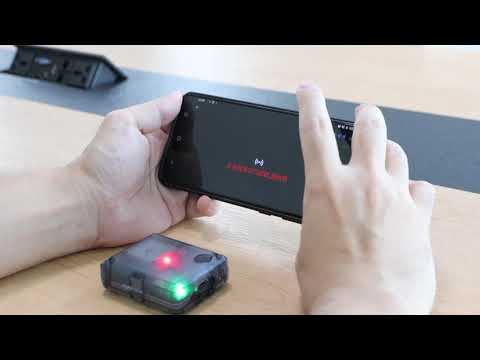
Hardware
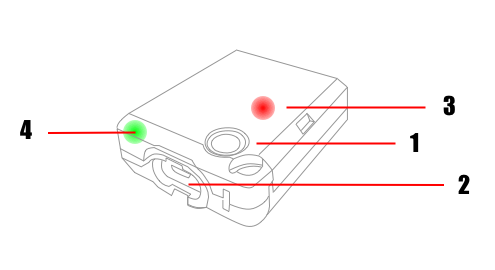
- Power on: Long press the button to power on
- Charge interface: Powertry has a micro USB for charging
- GPS signal: The red light is flashing when GPS is available
- Battery level: When the battery is full-charged, the light becomes green, when it's low; the light becomes red
K Race App
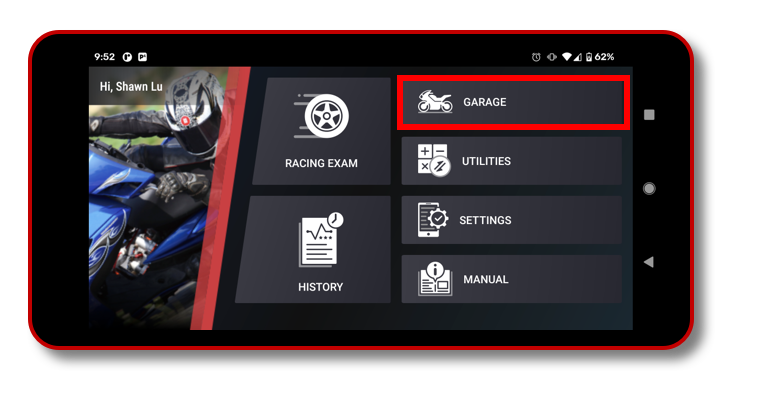
Garage
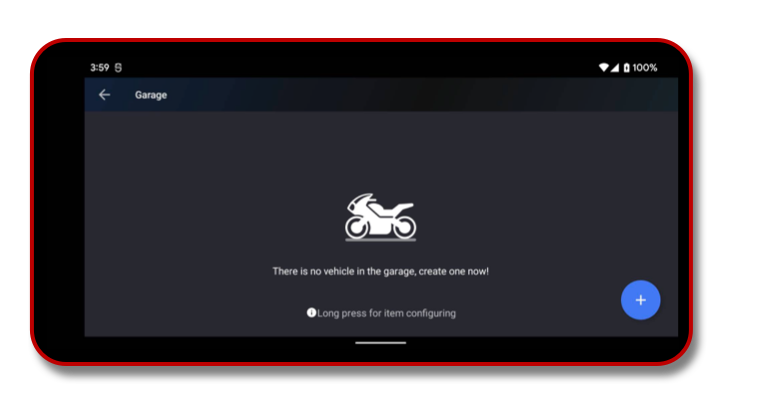
In the garage, you are able to establish various vehicles with detail including name, model, weight, and displacement. This meta data can be used for performance comparison and analysis.
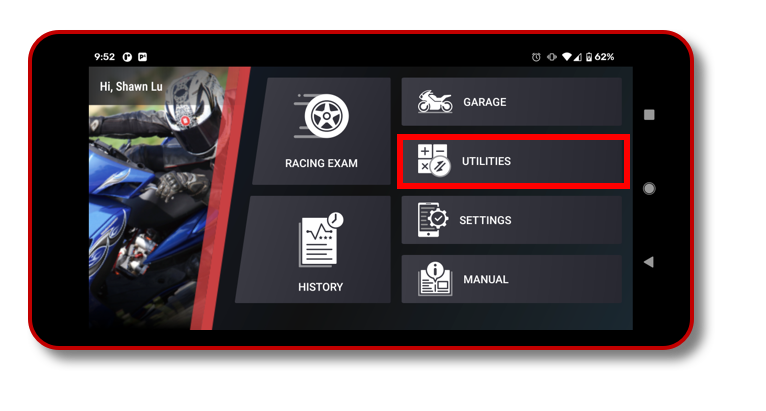
Utilities
In the utilities functions, horsepower calculator, displacement calculator, Gear rate calculator, performance calculator and theoretical speed are provided for user to calculate related data when performance tuning
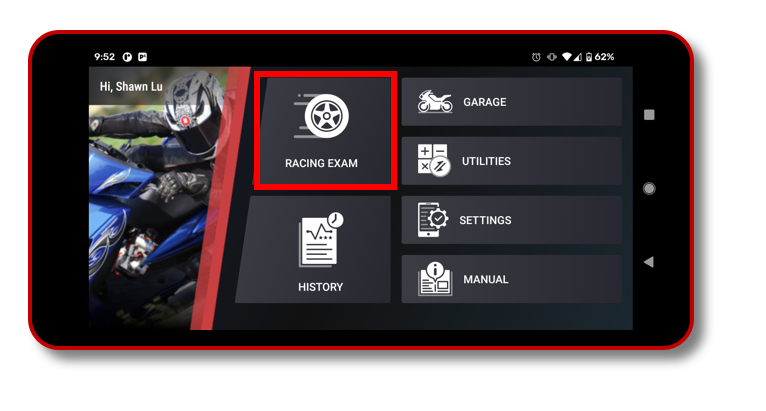
Racing exam
Two types of exam are included in the racing exam function which are speed and distance. Several build-in exam such as 0-1000 meter acceleration or 0-100 km/h. If there is no suitable build-in exam available, user can add a customize exam based on speed or distance condition.
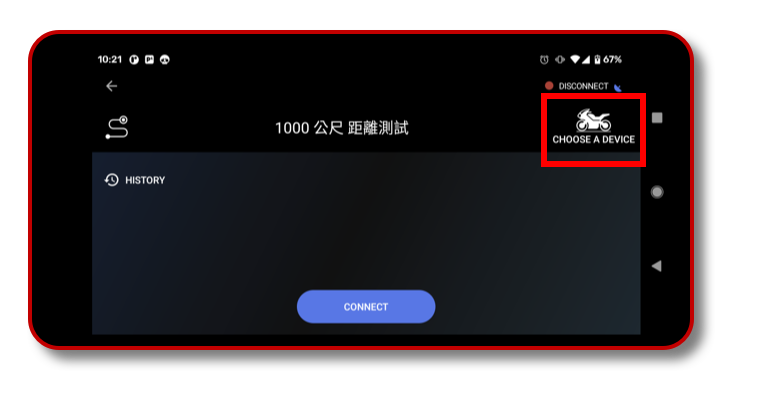
After exam selection, users able to connect to power try via bluetooth. At this time the permissions request might be prompt to ask for grant. Bluetooth tooth and fine location permission is required for Bluetooth communication.
History
In the history function, all records can be found here and can be list by date, by vehicle or by conditions. Here users able to review all the data by the segmented table or trend chart.
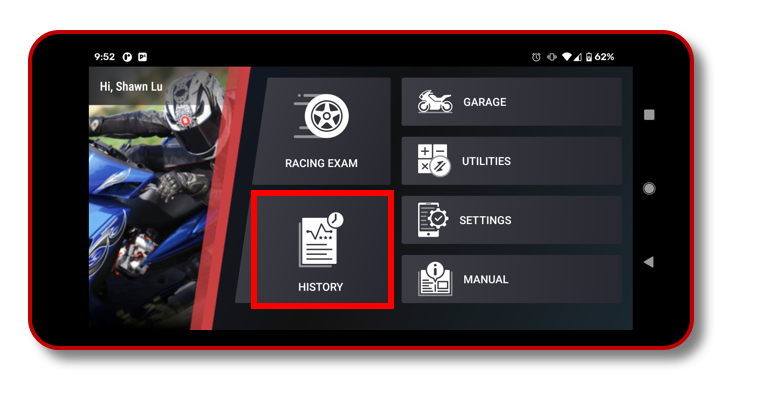
Start a first exam
Create a vehicle
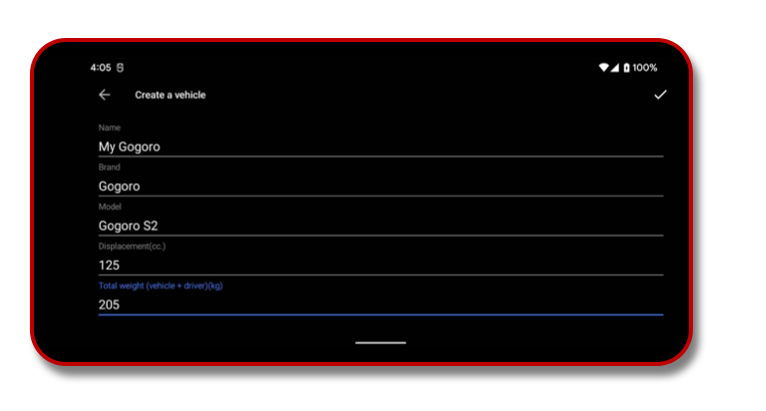
If you have no vehicle available in the garage, the first step to start an exam is to create one. The weight and displacement data will be used in the calculation of wheel housepower and the name of the vehicle will be used for historical data filtering and sorting.
Create a 100 meter exam
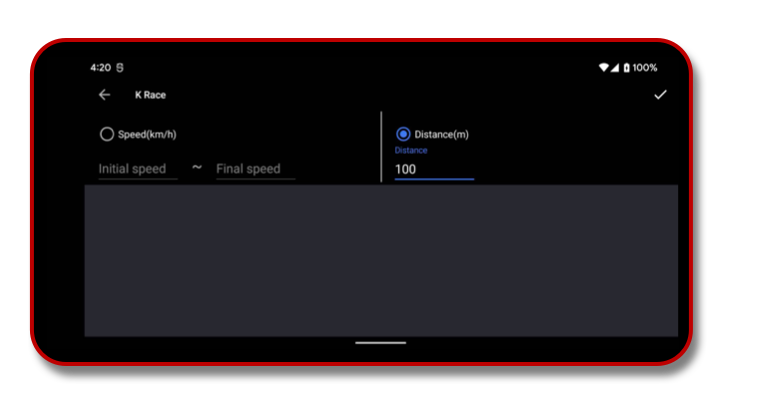
You can choose a preset exam, or create a customized exam when there is no suitable one available. Press the + button on the right side of the screen to add a 100m performance test.
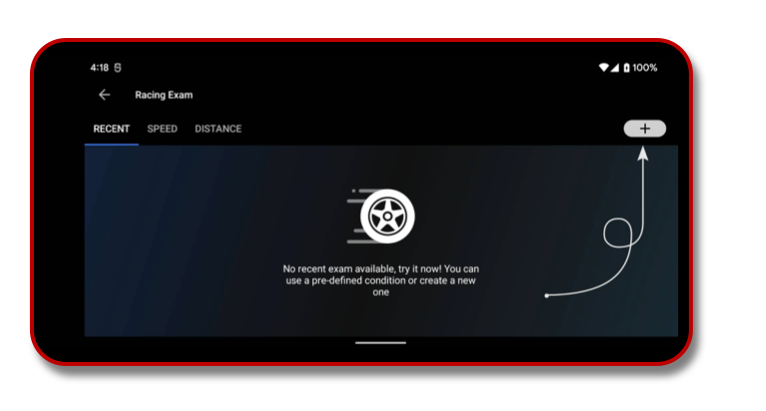
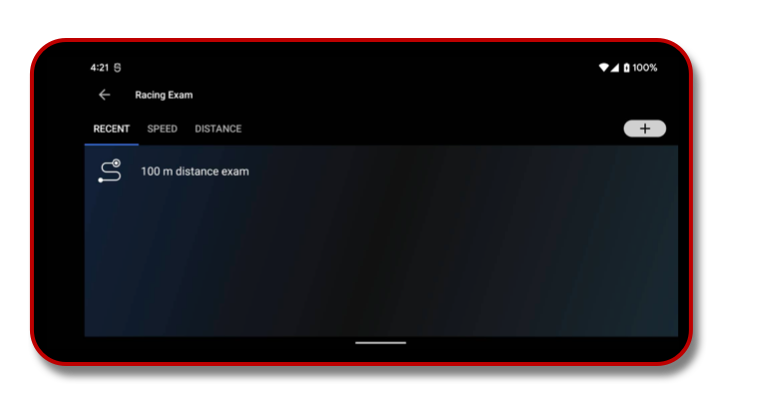
Choose the exam we just create to start exam
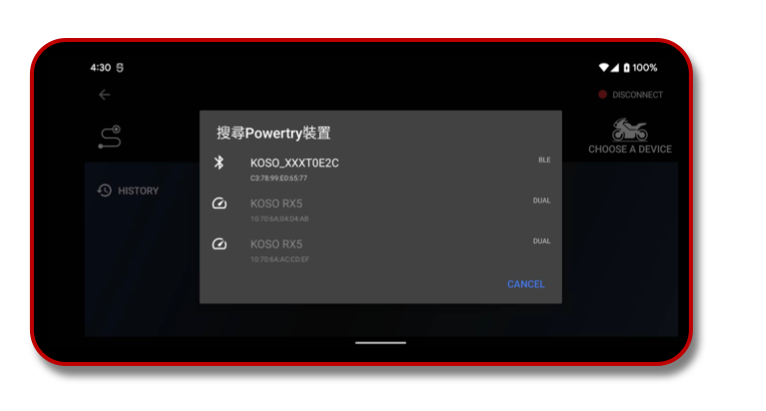
Connect to Powertry
Press choose a device on the right of the screen to scan the powertry near by.
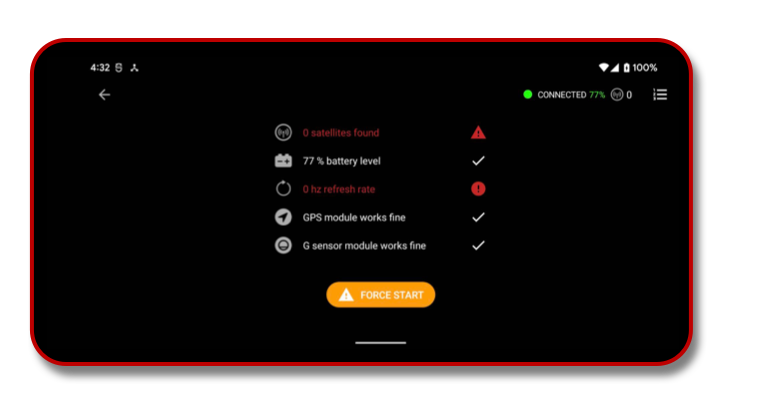
Wait for the powertry status to becomes more stable including more than 11 satellites, 10% battery level, 14 refresh rate, GPS and acceleration sensor module work fine.
The auto detect next exam switch allows you to auto-start next run after complete one without touch the screen. If switch is off, you have to press ready to start next exam manually.
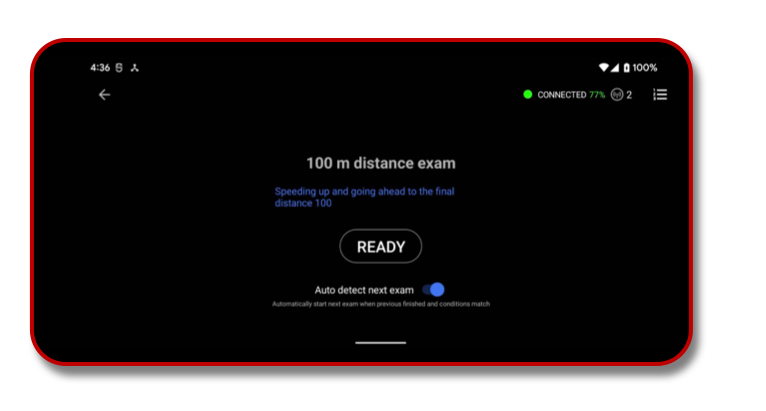
Exam start
When get into the exam, there are 3 phases to in the exam mode, first is "Ready to go". When "Ready to go" you are able start moving, the App will check the movement and change to next phase "recording"
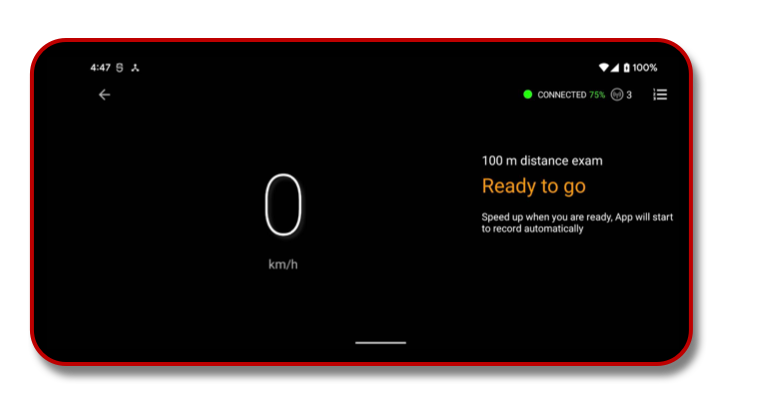
In the "Recording" phase, App keep recording data during the exam util we reach the defined condition (100 meter in this case)
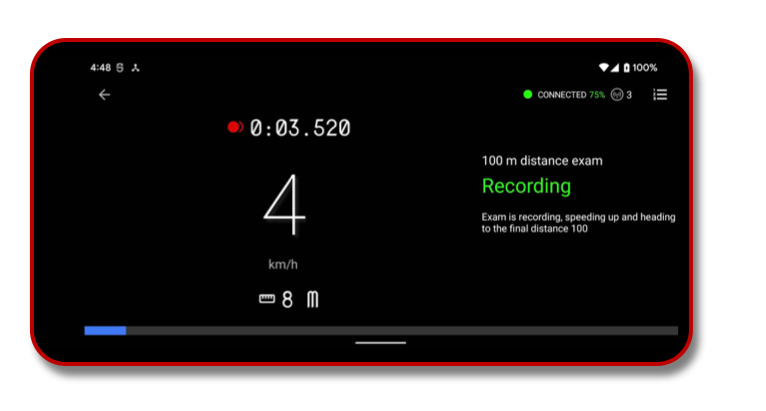
When reach the defined condition in this exam, App generates a record, and wait speed back to the initial condition. This phase is "Initialing". After the speed back to 0, the phase becomes to be "Ready to go"
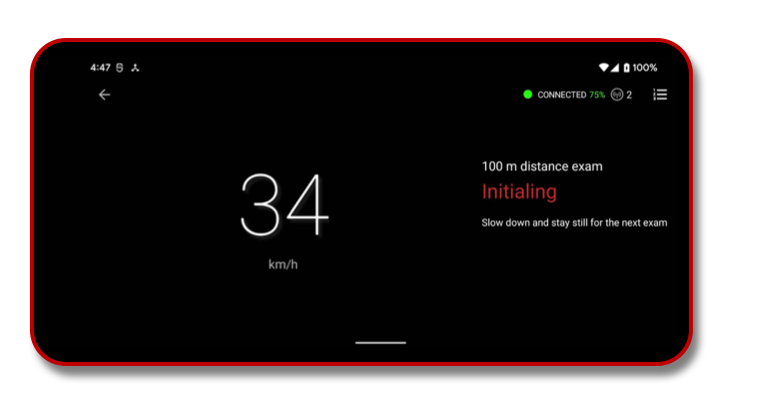
Record review
When you complete the exam, you are able to find your records in the history.
You are able to change the sort option to search and check out your determine exam.
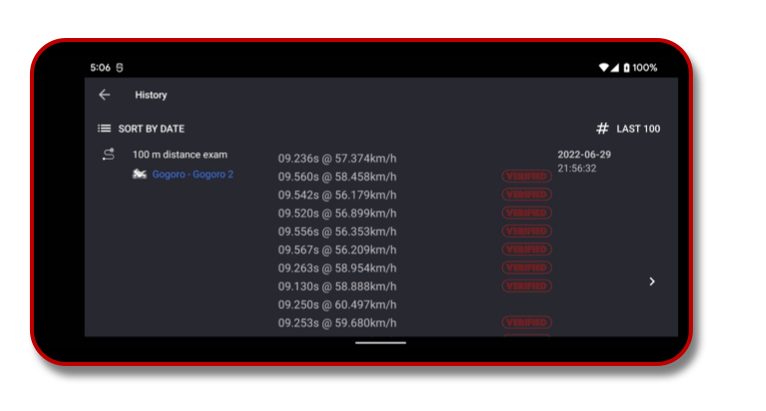
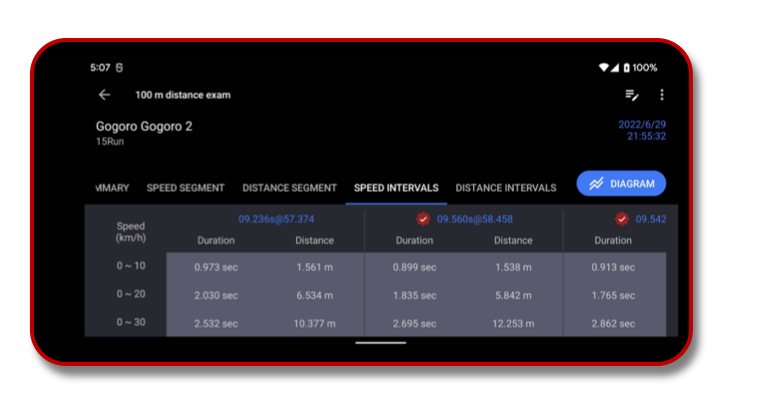
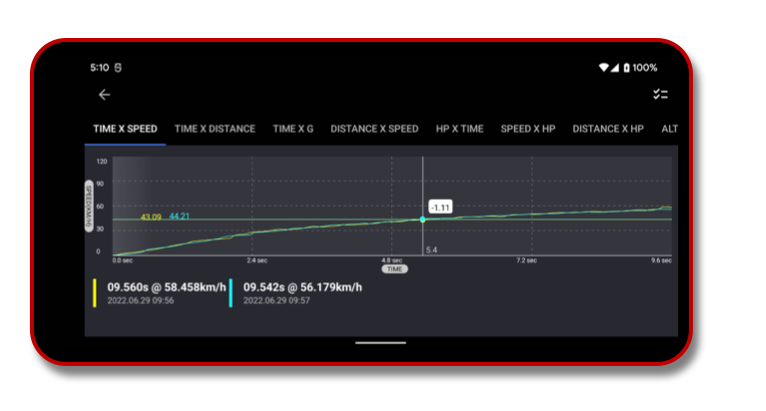
Review the detail data segments and check the trend chart by press DIAGRAM button.